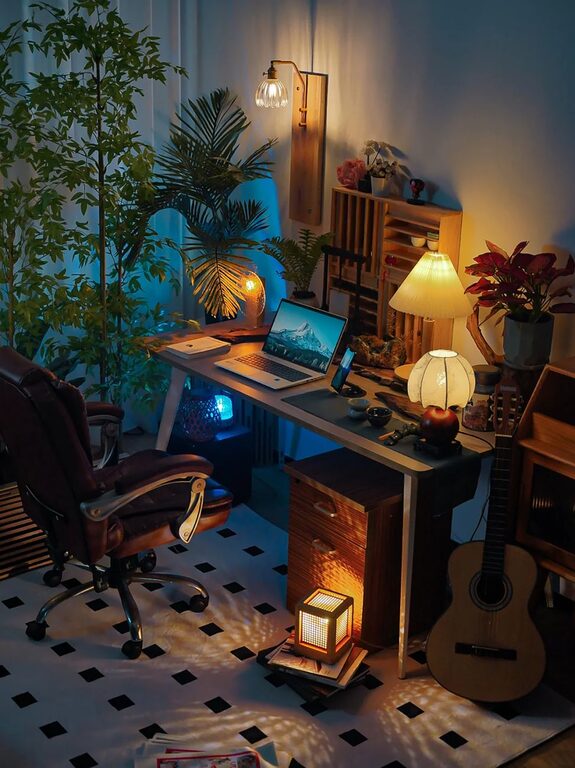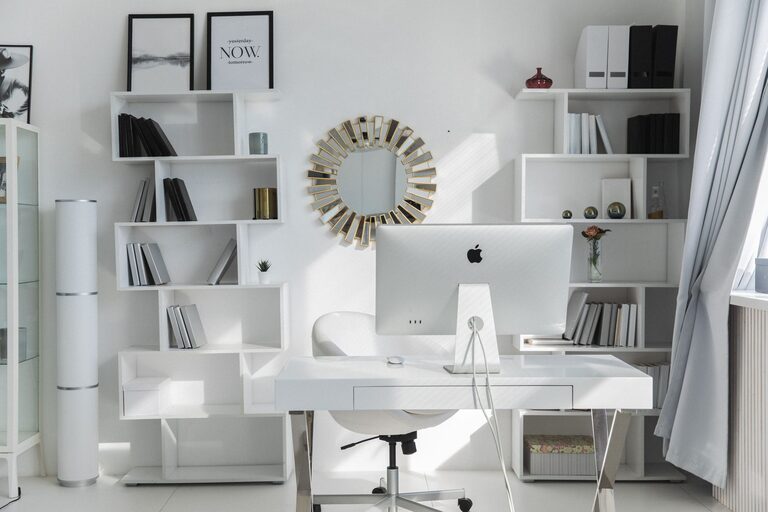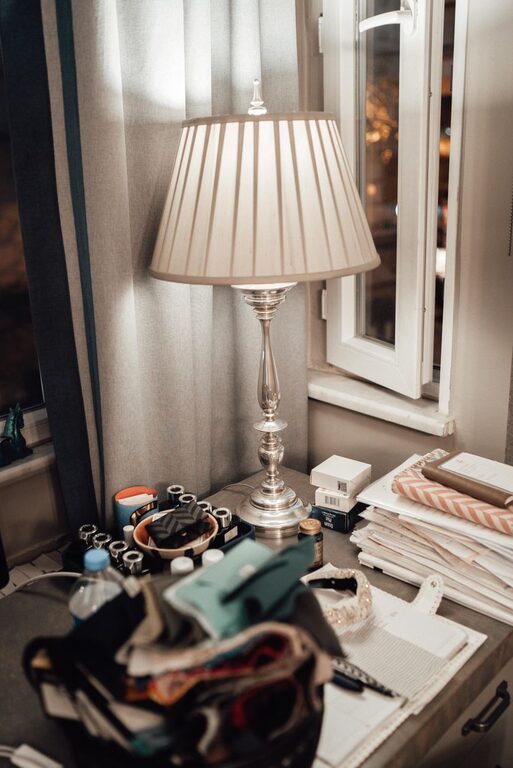
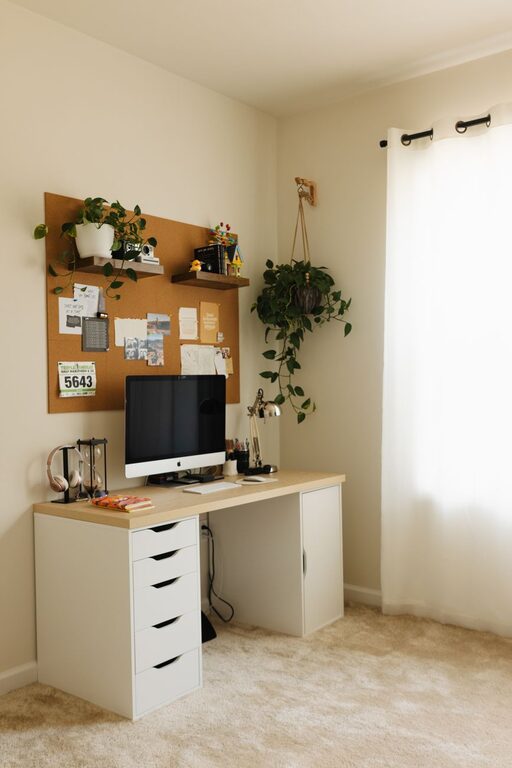
Creating a home workspace that is both inviting and productive can make a significant difference in your work-from-home experience. Whether you have a dedicated room or a small corner, setting up a space that encourages focus and comfort helps you stay motivated throughout the day. In this post, we’ll explore various tips to help you design a home office that suits your needs and promotes efficiency.
How to Choose the Right Location for Your Workspace
Selecting the best spot for your home office is the first step toward creating a productive environment. Consider these factors when deciding where to set up:
– Natural Light: Try to pick a space with plenty of natural daylight. Sunlight can improve your mood and energy levels.
– Minimal Distractions: Choose a quiet area away from noise, high-traffic zones, and family activity to help you concentrate.
– Space Availability: Make sure there is enough room for your desk, chair, and any equipment you need without feeling cramped.
– Ventilation: Fresh air promotes alertness, so a well-ventilated area is ideal.
If space is limited, even a corner in your living room or bedroom can be transformed with the right setup.
Essential Furniture and Ergonomics
Comfort plays a crucial role in maintaining productivity. Investing in ergonomic furniture supports your physical health and reduces fatigue.
Desk and Chair
– Ergonomic Chair: Look for a chair that offers good lumbar support, adjustable height, and comfortable cushioning.
– Desk Height: The desk should allow your forearms to rest parallel to the floor when typing, typically around 28-30 inches high.
– Right Size: Ensure that your desk provides enough surface area for your computer, notebooks, and other accessories, avoiding clutter.
Ergonomic Accessories
– Keyboard and Mouse: Position them to keep wrists straight and close to the body.
– Monitor Placement: The top of your computer screen should be at or slightly below eye level, about an arm’s length away to avoid neck strain.
Even if you are using a laptop, consider investing in a separate keyboard and stand to improve posture.
Organize Your Workspace Efficiently
Clutter can quickly distract and decrease your efficiency. An organized workspace promotes clear thinking and faster completion of tasks.
– Storage Solutions: Use shelves, drawers, or filing cabinets to keep papers and supplies orderly.
– Cable Management: Use clips or sleeves to keep cords tangle-free and out of the way.
– Daily Cleanup: Spend a few minutes each day tidying up to maintain a neat area.
Personalize to Inspire Productivity
Adding personal touches to your workspace can make it more inviting and motivating.
– Plants: Small indoor plants can improve air quality and add a natural touch.
– Artwork: Choose artwork or photos that make you feel positive and inspired.
– Colors: Use light, calming colors for walls or decorations to promote focus.
While personalizing, avoid over-decorating, as it might become distracting.
Maximize Lighting for Comfort and Efficiency
Proper lighting reduces eye strain and keeps you alert.
– Natural Light: Position your desk near a window but avoid glare on your screen.
– Task Lighting: Use adjustable desk lamps with warm, focused light for detailed work.
– Ambient Lighting: Overhead lights should be bright enough without causing shadows.
Investing in quality lighting can transform your workspace quickly.
Create a Routine to Boost Productivity
An inviting setup is just the beginning; developing consistent habits is key to success when working from home.
– Set Clear Work Hours: Define when your workday starts and ends.
– Take Regular Breaks: Follow the 25-5 rule (25 minutes work, 5 minutes break) or the Pomodoro method to stay fresh.
– Limit Distractions: Use apps or techniques to block distracting websites or notifications.
– Use a To-Do List: Prioritize tasks daily to keep track of progress.
Maintain Work-Life Balance in Your Space
It’s easy to blur lines when your office is at home. To keep balance:
– Separate Workspace: Use a room divider or a dedicated corner to mentally separate work from personal life.
– Close Up at Day’s End: Organize your stuff and shut down your computer to signal the end of the workday.
– Avoid Multitasking: Resist the urge to do household chores during work hours.
Final Thoughts
Creating a home workspace that feels welcoming and supports your productivity is achievable with thoughtful planning and simple adjustments. By choosing the right location, prioritizing ergonomics, organizing efficiently, personalizing your space, optimizing lighting, and establishing routines, you can build a comfortable environment that helps you work effectively every day.
Remember, your ideal workspace should reflect your personal work style and preferences. Experiment with these tips and customize them to fit your unique needs.
Happy working from home!
About the Author