Creating a cozy and inviting home office is essential for many who work or study from home. A well-designed workspace not only boosts productivity but also makes spending hours at your desk more pleasant. Whether your space is large or small, bright or dim, you can transform it into a nook that inspires focus and comfort. Here are practical tips to help you create an office space that feels welcoming and keeps you motivated throughout the day.
Choose the Right Location
The first step in setting up your home office is picking the best spot. Ideally, this should be a quiet corner with minimal distractions. If possible, select a space with natural light, as sunlight helps improve mood and energy. If natural light is limited, plan for good artificial lighting that’s easy on the eyes.
Prioritize Comfort
Comfort is key when you spend long hours at your desk. Invest in an ergonomic chair that supports your back and encourages good posture. Pair it with a desk at a comfortable height to avoid strain on your wrists and shoulders. Adding soft cushions or a footrest can enhance comfort even further.
Personalize Your Workspace
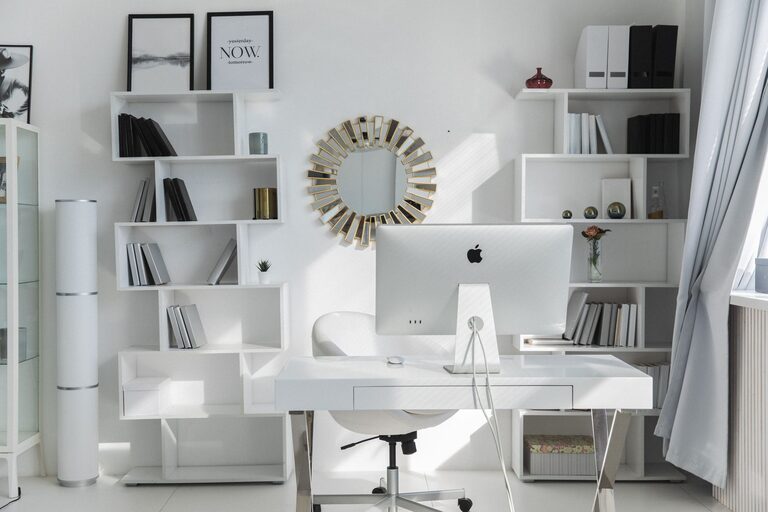
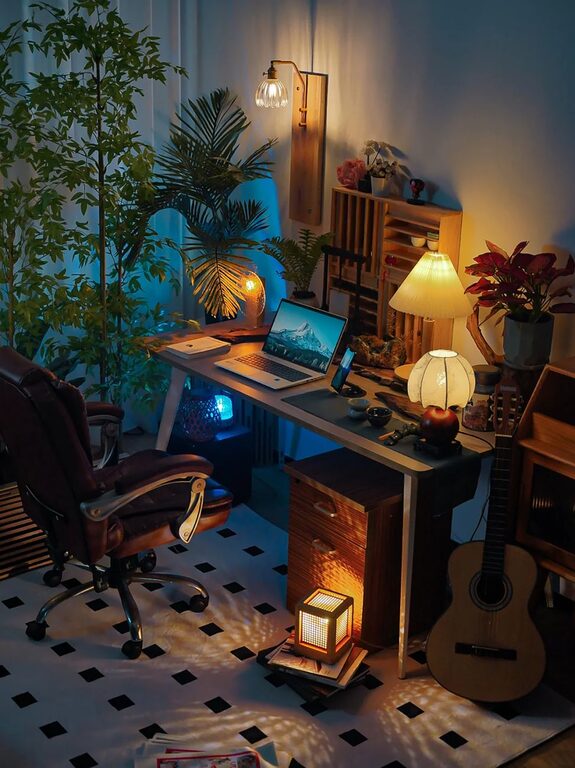
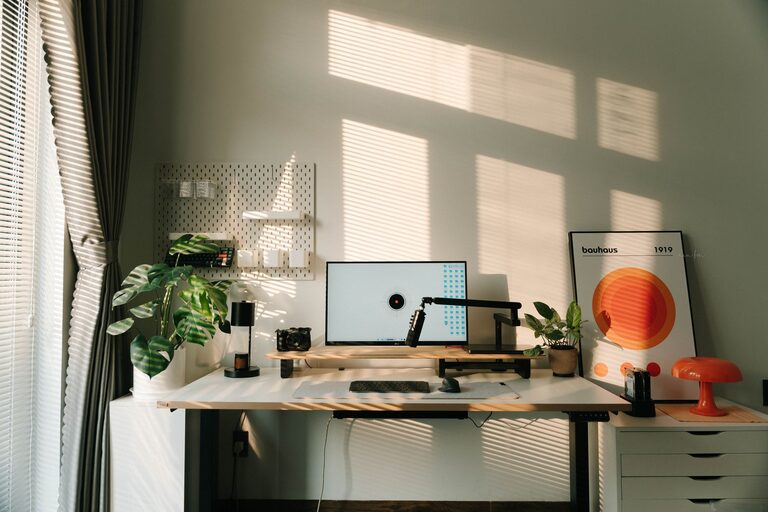
A home office should feel inviting, so add touches that reflect your personality. Decorate with items such as artwork, plants, or framed photos. Plants, in particular, add color and life, improve air quality, and promote calmness. Just be careful not to clutter your desk; simplicity often leads to better focus.
Organize Efficiently
Keeping your workspace tidy reduces stress and distractions. Use storage solutions like shelves, filing cabinets, or desk organizers to keep documents and supplies neatly arranged. Labeling boxes or folders can also help maintain order and save time looking for things.
Use Soothing Colors
Color influences mood and productivity. Soft, neutral tones like pale blue, light gray, or warm beige can create a soothing atmosphere. Alternatively, small pops of brighter colors through accessories or wall art can stimulate creativity without overwhelming the senses.
Manage Lighting Thoughtfully
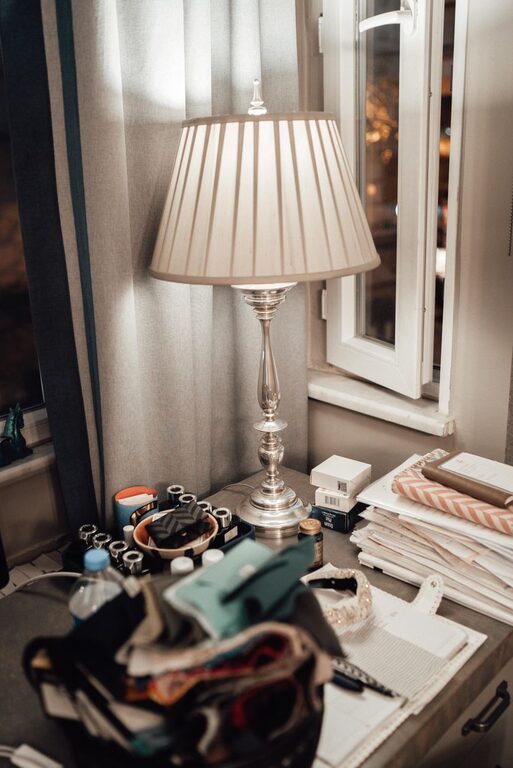
Good lighting can make a huge difference. Position your desk near a window to maximize daylight. Supplement with adjustable desk lamps that allow you to control brightness and reduce eye strain. Avoid harsh overhead lights or glare on screens by using diffused lighting options.
Incorporate Technology Smartly
Equip your office with technology that supports your work but doesn’t clutter the space. Use wireless devices where possible, and keep cables organized with clips or sleeves. Position your monitor at eye level to prevent neck strain, and consider investing in noise-canceling headphones if your environment is noisy.
Create Zones for Different Activities
If space allows, designate areas within your office for various tasks. For example, have a reading nook with a comfortable chair for brainstorming or breaks, a desk for computer work, and a shelf for reference materials. This zoning helps you switch between tasks easily and mentally separates work types.
Add Elements for Relaxation
Incorporate items that help you recharge during short breaks. This could be a small diffuser with essential oils, a stress ball, or a cozy blanket draped over a chair. Having a designated relaxation object or corner encourages regular pauses, which can improve overall productivity.
Keep the Air Fresh
Air quality impacts both health and attention. If possible, open windows regularly to let fresh air circulate. Indoor plants also help purify the air. Alternatively, use an air purifier to maintain a clean and comfortable atmosphere.
Maintain a Consistent Routine
Once your workspace is set up, create a routine that signals the start and end of your workday. Turning on a desk lamp or organizing your supplies at the beginning of the day can act as a cue to focus. Likewise, tidying your desk at day’s end helps transition away from work mode, preserving the coziness of your home office.
—
By following these tips, you can design a home office space that feels both cozy and functional. Remember, the best workspace is one that suits your personal preferences and supports your daily tasks. Take time to experiment and adjust your setup until it becomes a place you look forward to working in every day.
About the Author