
Creating a productive home office space is essential for anyone who works from home or needs a dedicated area for focus and creativity. The right setup can help you maintain motivation, stay organized, and separate work from personal life. Whether you have a separate room or just a small corner, these practical tips will guide you in designing a workspace that supports your efficiency and well-being.
Choose the Right Location
Consider Natural Light and View
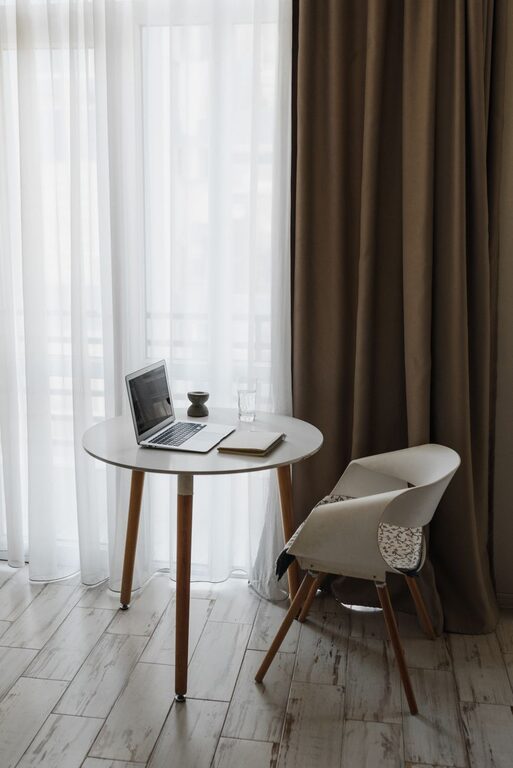
Position your desk near a window if possible. Natural light boosts mood and alertness, helping you feel energized throughout the day. A pleasant view can provide moments of relaxation during short breaks.
Minimize Noise and Distractions
Select a quiet area away from high-traffic zones in your home. If complete silence isn’t an option, consider noise-cancelling headphones or a white noise machine to maintain focus.
Invest in Ergonomic Furniture
Comfortable Chair and Desk
Invest in an adjustable office chair that supports your back and promotes good posture. Pair it with a desk at the proper height. If space allows, consider a sit-stand desk to alternate between sitting and standing during work hours.
Proper Screen Position
Place your computer monitor at eye level about an arm’s length away to reduce neck and eye strain. Use monitor stands or adjustable arms if needed.
Organize Your Workspace
Declutter Regularly
Keep only essential items on your desk. A clutter-free environment reduces stress and distractions, making it easier to concentrate.
Use Storage Solutions
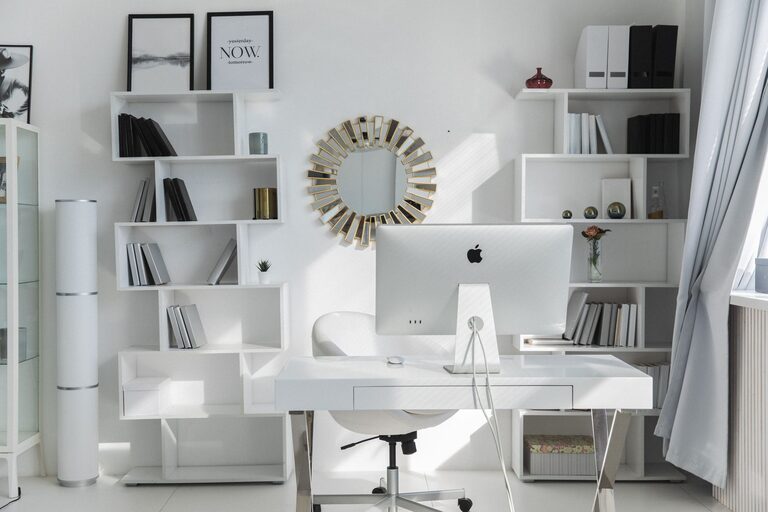
Incorporate shelves, drawers, or filing cabinets to store documents and office supplies neatly. Label storage containers for quick access to what you need.
Cable Management
Use cable organizers, clips, or sleeves to avoid tangled wires. A tidy workspace feels more inviting and professional.
Optimize Lighting
Combine Natural and Task Lighting
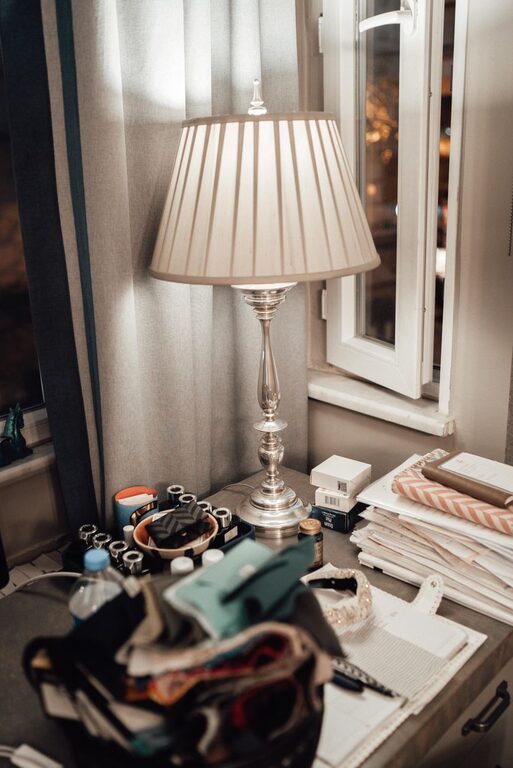
While natural light is ideal, supplement it with adjustable desk lamps to prevent eye strain, especially during evenings or cloudy days. Choose bulbs with a neutral white color temperature for balanced illumination.
Avoid Glare
Position monitors perpendicular to windows or use curtains and blinds to control glare. This reduces eye fatigue and improves visibility on screens.
Personalize Your Space
Add Inspiring Décor
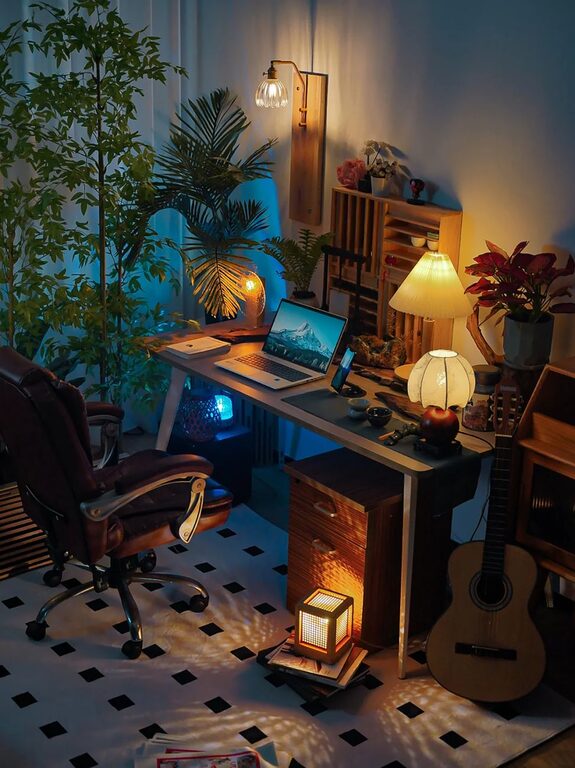
Include items that motivate you, such as artwork, plants, or personal mementos. Plants are especially helpful as they improve air quality and add a touch of nature.
Use Colors Wisely
Choose calming colors like soft blues or greens for your walls or accessories. Bright colors can add energy but can be distracting if overused.
Establish Work Boundaries
Define Work Hours
Set clear start and finish times to help separate work life from home life. Inform household members about your schedule to reduce interruptions.
Create a Ritual
Start your workday with a routine like making coffee or reviewing your to-do list. This signals your brain that it’s time to focus.
Use Technology to Your Advantage
Reliable Internet and Equipment
Ensure a stable internet connection and keep your hardware updated. Invest in quality peripherals like a good keyboard, mouse, and webcam if needed.
Productivity Apps
Use digital tools to organize tasks, schedule meetings, and manage projects. Popular apps include calendar planners, note-taking tools, and time trackers.
Maintain Healthy Habits
Take Regular Breaks
Follow techniques like the Pomodoro method—work for 25 minutes, then take a 5-minute break. This helps sustain focus and prevents burnout.
Stay Hydrated and Move
Keep water nearby and stand or stretch regularly. Physical activity aids concentration and reduces stiffness.
—
By creating a home office space that is comfortable, organized, and inspiring, you set yourself up for greater productivity and satisfaction in your work. Tailor your environment to your needs and preferences, and remember that even small changes can have a significant impact on your daily routine.
About the Author